
Best Planners for Cycle Syncing
📔Analog vs. Digital: Which Tracking Style is Right for You?
Physical (or Analog) planners are fantastic if you crave deep, distraction-free reflection. The simple act of writing things down helps your brain process everything, allowing for super comprehensive, qualitative journaling. It’s truly a diary for your hormones!
Digital (or Algorithmic) trackers, on the other hand, are all about speed and smart data. They offer awesome convenience, auto-reminders, and—most importantly—smart predictions for your period and fertile windows based on algorithms. These digital helpers are a lifesaver if you have irregular cycles or conditions like Polycystic Ovary Syndrome (PCOS), where accurate prediction is absolutely critical.
No matter which one you choose, the real magic of cycle tracking is figuring out your unique physical and emotional patterns. You’re moving beyond generic symptom lists and finding out what your body does! By consistently tracking daily habits (like stress, sleep, and diet) right alongside your moods and symptoms, you can spot cool correlations. For example, maybe you notice that high stress always leads to late Luteal anxiety for you. The best planners—whether they’re simple visual charts in a paper journal or smart trend-spotting features in an app—are the ones that help you connect these dots.
Top Apps, Journals, and Templates for Cycle Syncing
Kilova App
Kilova is brilliant because it stops treating your cycle like just a tracker and turns it into an active planning tool. It’s the first app that integrates your four hormonal phases directly into your regular calendar, like Google Calendar, Outlook or Apple Calendar (with Premium). It’s on iPhone, Android and the web. This lets you create custom, phase-appropriate routines and events, so you can stop scheduling high-energy tasks on days when you really need rest. (See also how to build a cycle syncing planner and a full comparison of cycle syncing apps.)
Type: Calendar-Integrated Planner

Pros
- Integrates your four phases directly into your external calendar (Google Calendar, Outlook and Apple Calendar sync with Premium).
- Allows you to create custom, phase-appropriate routines and tasks, or switch on ready-made ones (Phase Presets) with one tap. Excellent for active, forward-looking planning.
- Cheaper than most cycle syncing apps
Cons
- Calendar sync and phase routines need Premium (tasks and events are free).
Get started
- Price: Free for as long as you like, with unlimited tasks and events; every new account gets 2 months of Premium free. After that, Premium is $4.99/mo or $49/yr.
- Link: Get Kilova
Flo
This is a full-service maintenance program built around the Cycle Syncing® Method. You get phase-specific recipes, workout videos, and meal plans delivered monthly, plus guidance on productivity, relationships, and even how to maximize your potential in each phase. It’s great if you want an all-in-one resource and community support.
Type: Full Lifestyle Guidance

Pros
- Provides comprehensive phase-specific meal plans, recipes, and workout videos.
- Includes monthly chats and community support.
- Focuses on total life optimization (productivity, relationships, fitness) using the cycle.
Cons
- Most expensive choice
- Requires a lot of commitment
Get started
- Price: 1-Month: $28; 3-Month: $56 (intro price, then $84/90 days); Annual: $280
- Link: Flo
Cycle Sync Wellness Tracker
If you love digital organization but don’t like the limits of a fixed app, Notion templates are your friend, such as this one.It’s a low-cost way to get structure without a fixed subscription.
Type: Notion Template

Pros
- Fully customizable
- Great if you’re looking for a free option
Cons
- Phase input is manual
- Requires existing knowledge of Notion
Get started
- Price: Free
- Link: Cycle Sync Wellness Tracker
Cycle Syncing Planner PDF
This is a dedicated paper journal designed to be your guided writing space. It focuses entirely on structured cycle awareness and self-care planning. The physical act of writing helps you step away from digital distractions and provides a focused environment for deep reflection on your daily mood, energy, and physical state.
Type: PDF: for Printing or PDF editors like Goodnotes

Pros
- Focused, distraction-free, paper-based environment.
- Encourages deep self-reflection and processing steps.
Cons
- Requires manual input of data
Get started
- Price: $6
- Link: Cycle Syncing PDF
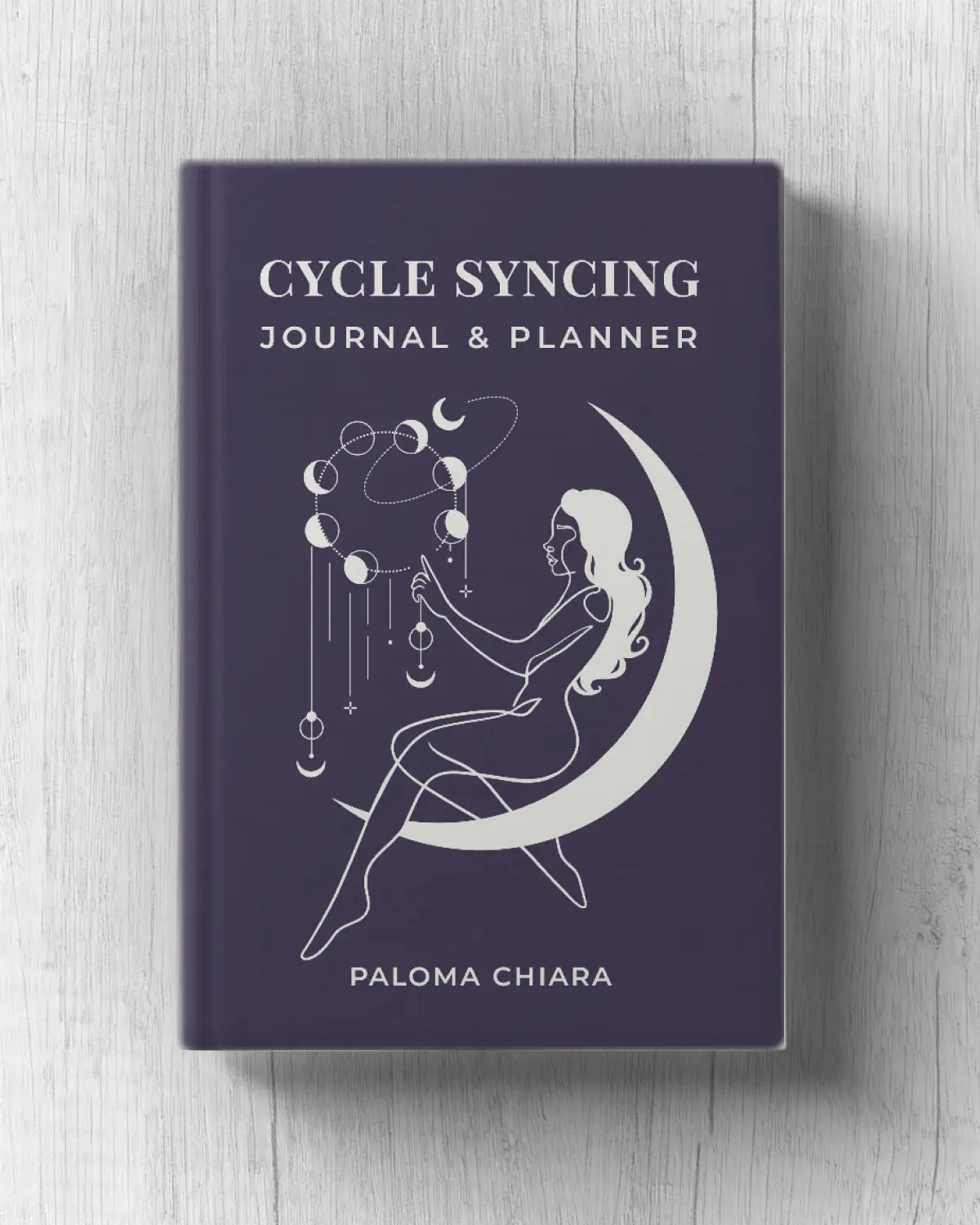
Cycle Syncing Planner
If you love the feeling of putting pen to paper, prefer a clean break from your phone, and enjoy qualitative tracking (the feel of your cycle over the numbers), these physical options are for you. This planner is ideal if your main focus is understanding the emotional and mental impact of your shifting hormones.
Type: Physical Planner
Pros
- Structured journaling helps turn hormonal signals into actionable guidance.
- Strong focus on mood tracking and mental health optimization.
Cons
- Requires manual input of data
Get started
- Price: $25
- Link: Cycle Syncing Planner
Comparison Table
| Name | Type | Pros | Cons | Price |
|---|---|---|---|---|
| Kilova App | Calendar-Integrated Planner | • Syncs 4 phases with Google Calendar, Outlook and Apple Calendar • Custom and ready-made phase routines • iPhone, Android and web | • Calendar sync and routines need Premium | Free basic (2 months of Premium free); $4.99/mo or $49/yr |
| Flo | Full Lifestyle Guidance | • Meal plans, recipes & workouts • Community support • Focus on life optimization | • Most expensive • High commitment | $28/mo; $56/3mo (intro); $280/yr |
| Cycle Sync Wellness Tracker | Notion Template | • Fully customizable • Great free option | • Manual data entry • Requires Notion knowledge | Free |
| Cycle Syncing Planner PDF | PDF (for Printing or Goodnotes) | • Distraction-free & reflective • Helps deepen self-awareness | • Manual data entry | $6 |
| Cycle Syncing Planner | Physical Journal | • Mood & mindset-focused • Encourages emotional awareness | • Manual data entry | $25 |


Keep Reading

Comment